Crystal Dew World logo

Quick Download (Dev Support)

CDI CDI Aoi CDI Shizuku CDM CDM Aoi CDM Shizuku CMR CMR Aoi CMR Shizuku CM3D25 DEV Support
[2026/07/25] CrystalDiskInfo 9.9.2 | [2026/05/24] CrystalDiskMark 9.0.3 | [2026/03/31] CrystalMark Retro 2.1.0 | [2025/11/20] CrystalMark 3D25 1.0.0

Development Support

Please make the amount of each contribution $10 USD or more if possible. Your contributions will be deeply appreciated. Learn more...

GitHub Sponsors – Your contributions will be deeply appreciated.

CrystalDiskMark

About CrystalDiskMark

CrystalDiskMark is a lightweight storage benchmark for Windows that reports sequential and random read and write speeds in a few clicks.


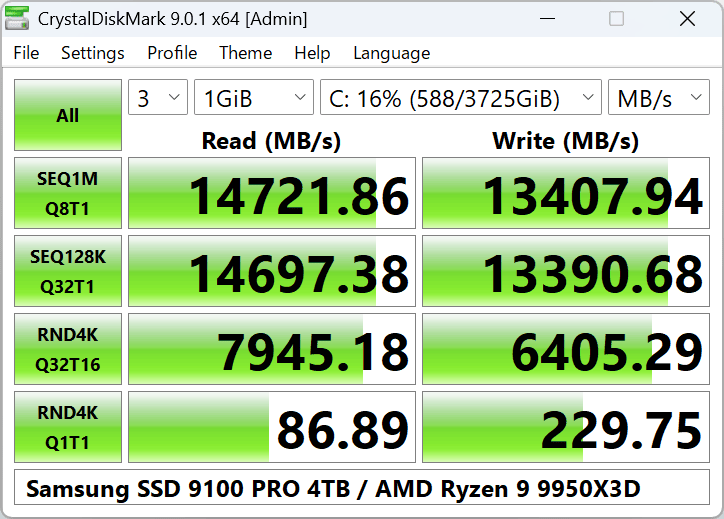
Standard Edition
Aoi Edition
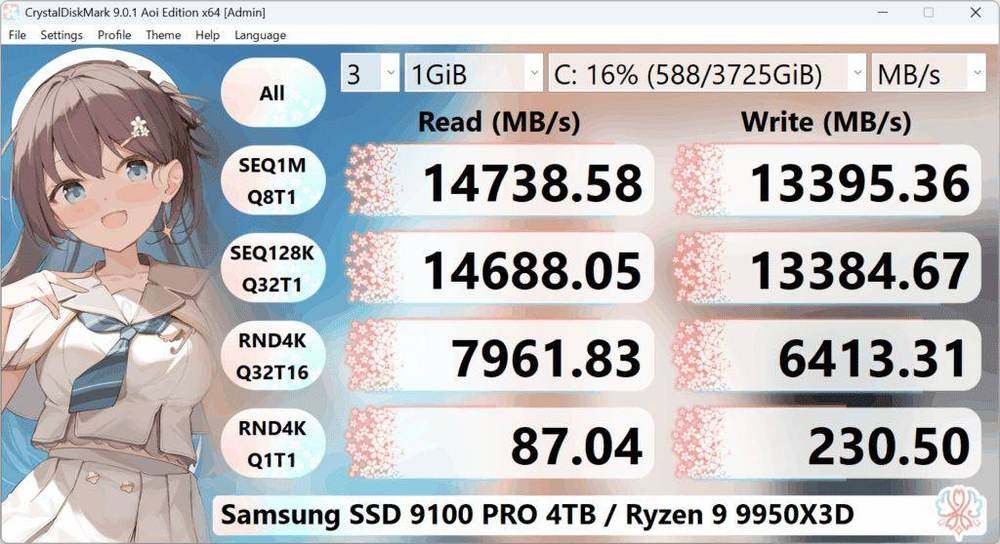
CrystalDiskMark Aoi edition benchmark results

Shizuku Edition

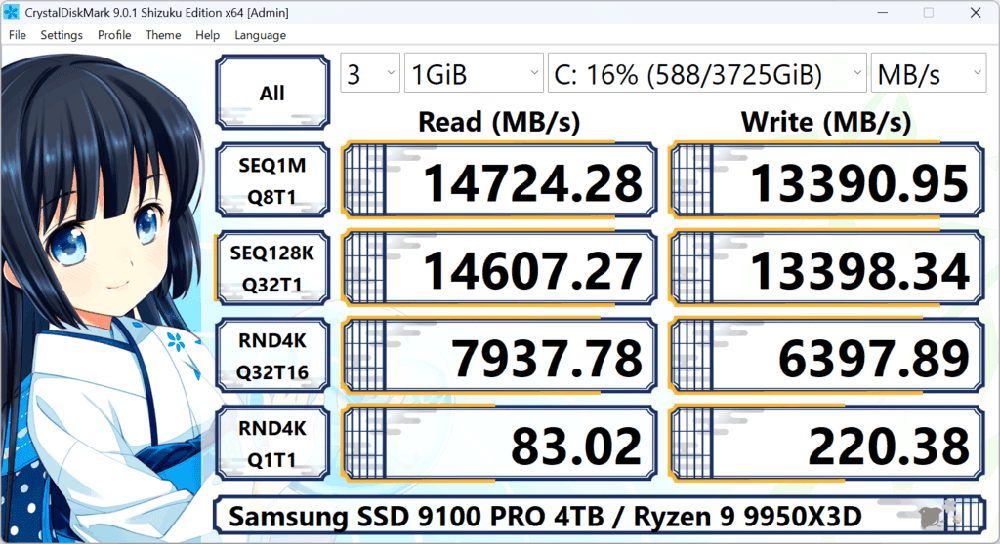
CrystalDiskMark Shizuku edition benchmark window

System Requirements

OSWindows XP/Vista/7/8/8.1/10/11
Windows Server 2003/2008/2012/2016/2019/2022/2025
Architecture x86/x64/ARM64
  • Installer and x64 version does not support Windows XP/2003 (NT5.x).
  • Not support Windows 95/98/Me/NT4/2000.

Key Features

  • Measure Sequential and Random Performance (Read/Write/Mix)
  • Various measure mode (Peak/Real World/Demo)
  • Many languages support
  • Themes

Important Notice

  • CrystalDiskMark may shorten SSD/USB Memory life.
  • Benchmark result is NOT compatible between different major version.
  • “MB/s” means 1,000,000 byte/sec.
  • The result depends on Test File Size, Test File Position, Fragmentation, IDE(PATA)/SATA/RAID/SCSI/NVMe  controller and CPU speed etc…
  • A part of SSDs depend on test data(random, 0fill).
  • If you execute CrystalDiskMark with Administrator rights, it does not show Network Drive.
    If you would like to measure Network Drive, please run as w/o Administrator rights.
    UAC Dialog: YES -> w/ Administrator Rights, NO -> w/o Administrator Rights

-> FAQ

Unit

  • 1GiB = 1024MiB = 1024x1024KiB = 1024x1024x1024B
  • 1GB = 1000MB = 1000x1000KB = 1000x1000x1000B

Manual

CrystalDiskMark: Windows reference

Use this independent CrystalDiskMark reference to understand the utility before running it on a Windows 11 or Windows 10 computer. The page connects the program’s main purpose with practical preparation, edition selection, system compatibility, and the limitations of the values displayed on screen.

Create a repeatable test environment by closing transfers and updates, keeping the power plan unchanged, and recording the selected workload. Confirm publisher and version details before installation. Storage measurements reflect the tested hardware and settings; they should not be treated as universal scores or a substitute for current backups.

Return Top